App’s AI “Eyes” for Blind Users Fall Short, UMD Researchers Find
Study collects insights aimed at making adaptive tech more effective and easier to use.
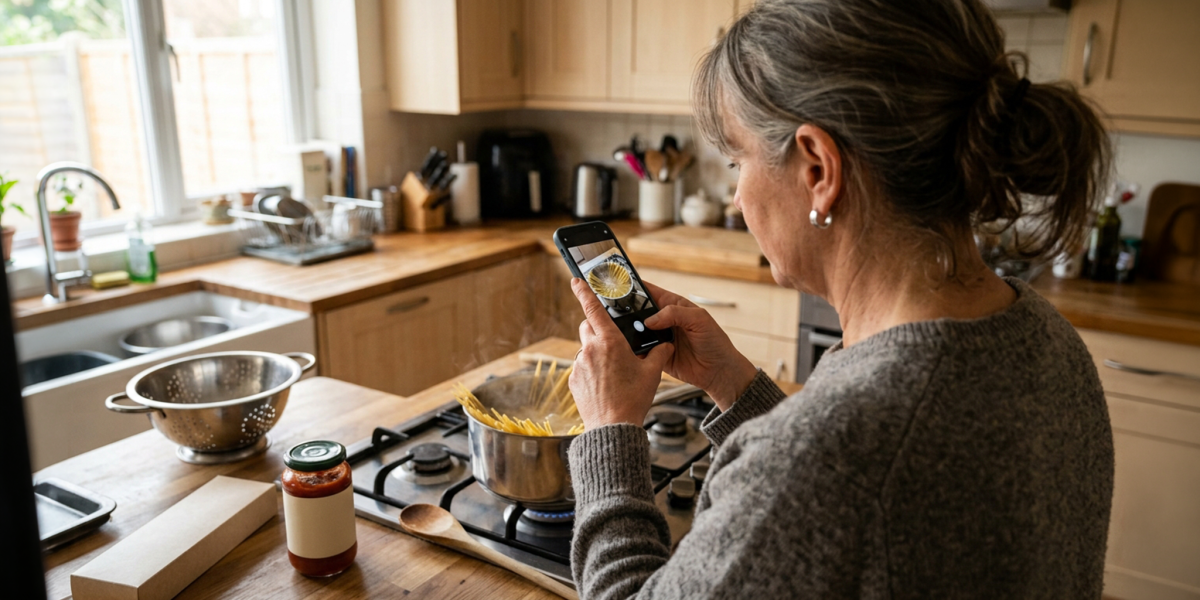
A blind man points his phone at a pan and asks, “Are the sausages brown yet?” The app he’s using responds out loud that some spots are still slightly pink. So a bit later, he takes another photo and asks again, and then again, about four times in all, until the food is fully cooked.
What he really wanted, he later told researchers, was not a repetitive Q&A but useful advice: “Maybe it still looks pretty pink—stir a little more, maybe about five minutes.”
He was one of 11 participants, all of whom identify as blind, in a University of Maryland (UMD) study presented this year at a top human-computer interaction conference. The team wanted to know how much control blind people have over what an AI photo-description app tells them, and what they do when its answers don’t fit what they need.
“We find that these systems are getting better at generating descriptions, but without effectively capturing user intent, that capability often translates into lengthy responses rather than useful answers,” said study co-author Hernisa Kacorri, an associate professor in the College of Information (INFO) with an appointment in the University of Maryland Institute for Advanced Computer Studies.
The research team also includes Hal Daumé III, a professor of computer science (CS) with an appointment in UMIACS and director of the NSF Institute for Trustworthy AI in Law and Society (TRAILS); Farnaz Zamiri Zeraati, a CS Ph.D. student; Yuehan Qiao, an INFO Ph.D. student; and Yang Trista Cao, a former UMD CS Ph.D. student now at Amazon. The work was supported by the National Institute on Disability, Independent Living, and Rehabilitation Research and TRAILS.
The app in question was Be My AI, part of Be My Eyes, which since 2015 has connected hundreds of thousands of blind and low-vision people with sighted volunteers who help through the phone’s camera. Be My AI, added in 2023, answers questions about a photo instantly, without waiting for a person.
Participants practiced with it in a lab, used it in daily life for 10 days, and then talked with researchers about what worked. The team analyzed 418 of those conversational interactions with the app and found that participants typically asked questions of 10 to 20 words. The app’s responses, however, used more than 10 times as many words, and conversations sometimes stretched to 21 back-and-forths—a potentially frustrating experience because blind users hear those answers read aloud. The long responses mean sitting through all of it to find the one useful detail, then asking again to get to the point.
Part of the problem is built in. Be My AI, like many similar assistive apps, opens every conversation with a full description of the photo, rather than the part of the scene the user had a question about. More than half the participants called this a serious problem. “It gave me a bunch of information that I did not want,” said one user who only wanted to find her keys.
“We are still asking blind users to do much of the work of figuring out what information is actually relevant,” said Qiao, who is advised by Kacorri. In time-sensitive situations, that burden “can not only delay action but also create safety concerns.”
The internet is full of tips on how to ask AI questions to get better answers, but the researchers believe this is the first study to systematically document how those strategies work for blind people in assistive settings. They introduced participants to techniques to zero in on needed information that were borrowed from general-purpose AI tools, then watched what worked and what new approaches participants developed.
When simply asking questions wasn’t enough, they got creative: One resorted to telling the app why they were asking the questions they were asking. Another photographed her kitchen and wrote simply, “I want to remodel my kitchen, I need suggestions.” As one participant put it, stating your goal lets you “narrow the lane dramatically … and you’ll get to the finish line much more quickly.”
They also broke big tasks into small questions. One woman checking bread dough asked about its size, surface, air bubbles and flour, one at a time. It took longer, she said, but it was “the only way to make sure that it was 100% correct.”
“These observations connect to something we have seen for a long time in disability: problem-solving, tinkering and adapting technologies, often driven by necessity,” the researchers said.
Although the participants displayed an ability to do all three, the researchers argued users shouldn’t have to rely on skills to get usable answers. A complex prompting strategy, they said, “is a workaround for an existing limitation of the technology.”